
Keep your recipients organized and ready to sign.
Store the people you regularly send documents to, keep their details organized, and reuse them when creating signature requests. Esigns Doc makes it easier to manage recipients without entering the same information every time.
Everything you need to manage recipients
Preparing the same document repeatedly can mean adding the same recipients, fields, and signing instructions over and over. Templates let you prepare that workflow once and reuse it whenever the document is needed.
Save recipient details
Store essential contact information so you don't have to enter it again every time you create a signature request.
Reuse contacts
Quickly select an existing contact when sending a document and reduce repetitive data entry across recurring signing workflows.
Assign recipient roles
Define the role a contact will have in your document workflows, helping you keep responsibilities clear across different signing processes.
Keep contact information organized
Maintain recipient details in one place so your team can quickly find and use the right contact when needed.
Manage contacts centrally
Add, update, or remove contacts as your relationships change and keep your recipient list current.
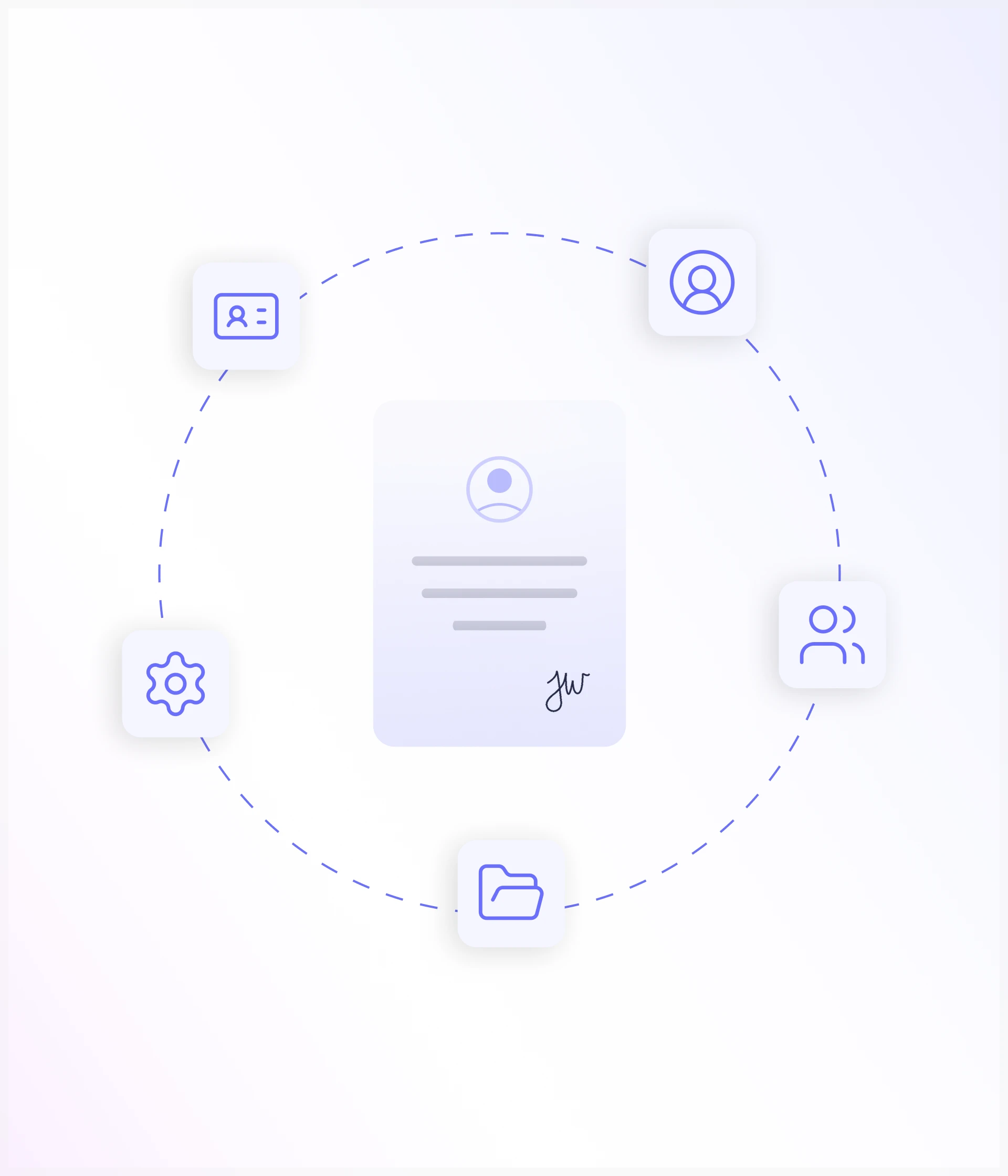
Built for the people behind every document
Your documents may involve different types of recipients depending on the workflow.
Customers & Clients
Keep frequently used customer and client details ready for future signing requests.

Employees
Manage employee information for onboarding documents, agreements, acknowledgements, and other HR workflows.

Partners & Vendors
Keep external contacts organized for contracts, agreements, approvals, and other business documents.
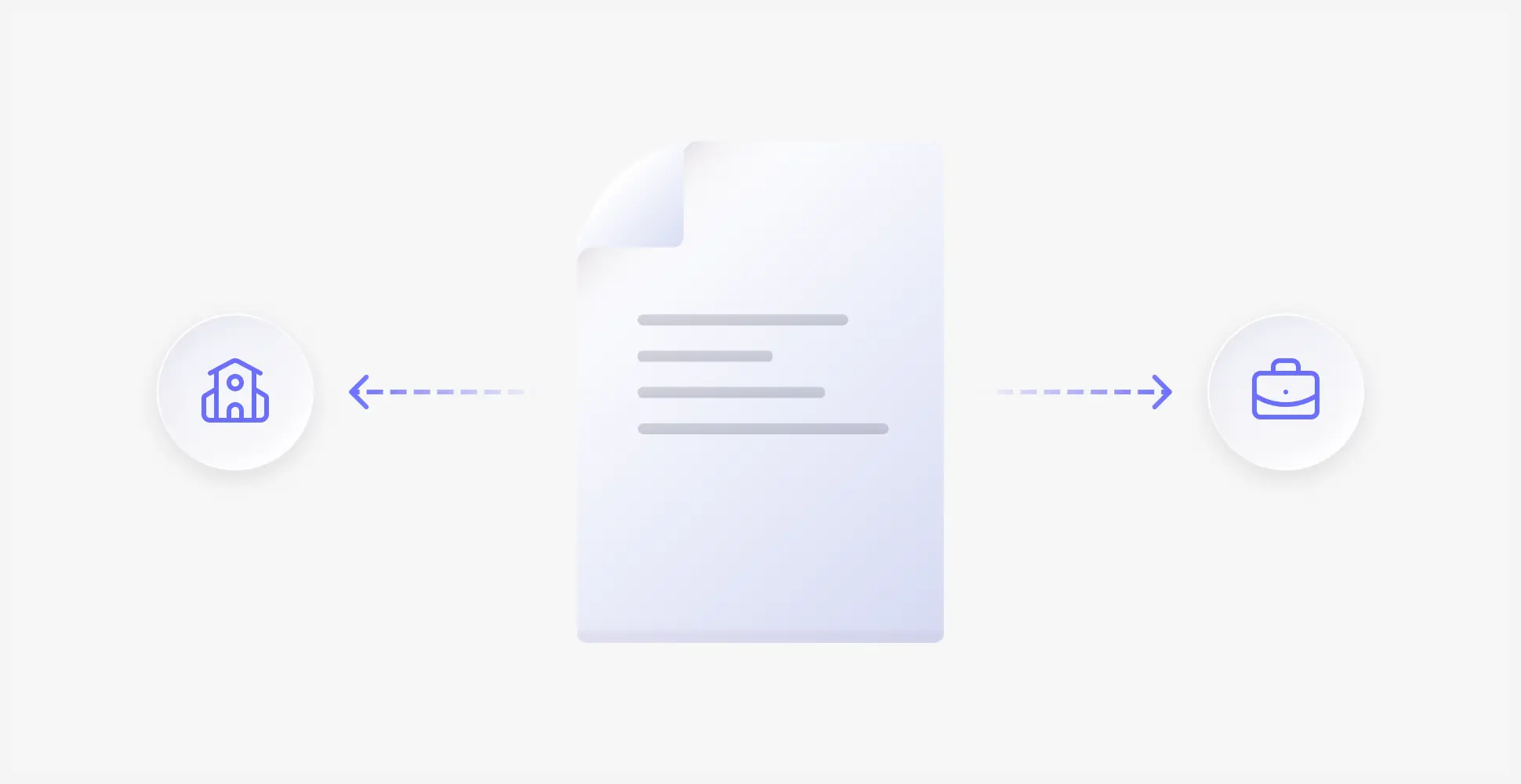
Other Recipients
Add anyone else who regularly participates in your document workflows and signing processes.

Keep your recipients within reach
Keep contact details organized and readily available whenever you need to send a document.
Add
Add a recipient with their contact details.
Assign
Associate a contact with a specific recipient role.
Update
Change contact details or assigned information.
Use
Select a saved contact for a document or signing request.
Organize
Keep contacts structured and easy to find.
Faster requests, fewer repeated steps
Once your contacts are organized, creating a new signature request becomes simpler. Select the recipient, confirm their details and role, add the document, and continue with the signing workflow.
Details
Keep recipient details ready for future use
Selection
Select existing contacts without entering details again
Frequently Asked Questions
Let's Build Better Document Workflows Together
Have questions about digital signatures, pricing, integrations, or enterprise deployment? We'd love to hear from you.

Keep your recipients ready.
Save and organize recipient details so they're always available when you need to send documents, without entering the same information again.