
Manage multiple organizations from one place.
Create separate organizations, switch between them effortlessly, and manage members, settings, and permissions independently. Esigns Doc makes it easy to keep work, people, and access organized across every organization you manage.
One account. Multiple organizations.
Some users work across multiple businesses, departments, or entities. Organization Management lets you create separate organizational workspaces while keeping each one clearly separated.
Create organizations
Create a new organization whenever you need a separate workspace for a business, team, client, or other entity.
Switch between organizations
Move between your organizations without signing out or managing separate accounts. Switch to the workspace you need and continue working.
Keep organizations separate
Each organization can have its own members, documents, settings, roles, and permissions, keeping work and access properly separated.
Manage members
Invite and manage users within each organization and control who has access to that organization's workspace.
Control permissions
Define roles and permissions within each organization to ensure users have the appropriate level of access.
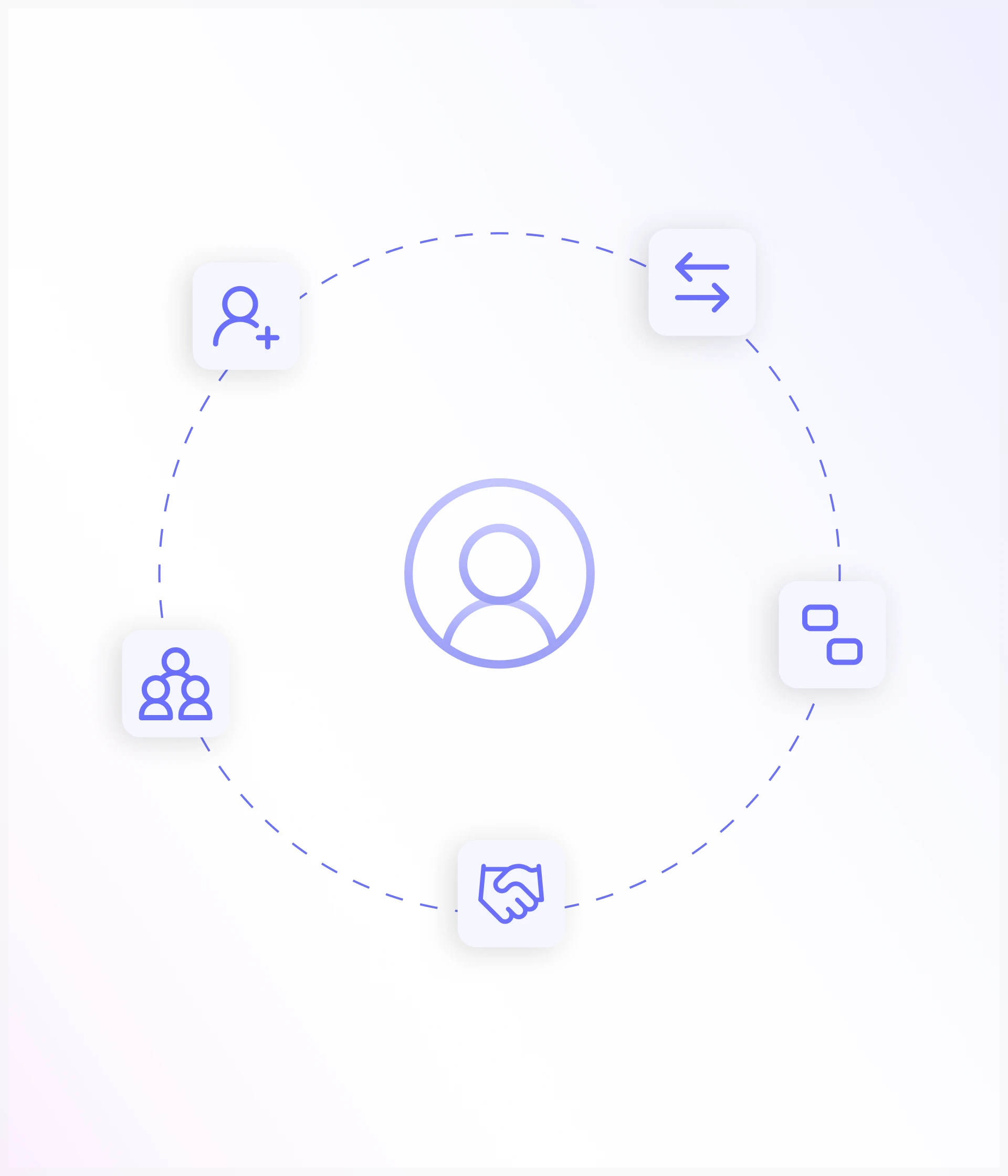
Built for the way people work
You may work with more than one organization throughout your day. Esigns Doc makes switching between them straightforward without creating unnecessary separation between your account and the organizations you manage.
Your own organization
Use your default organization as your primary workspace for your personal or business documents.
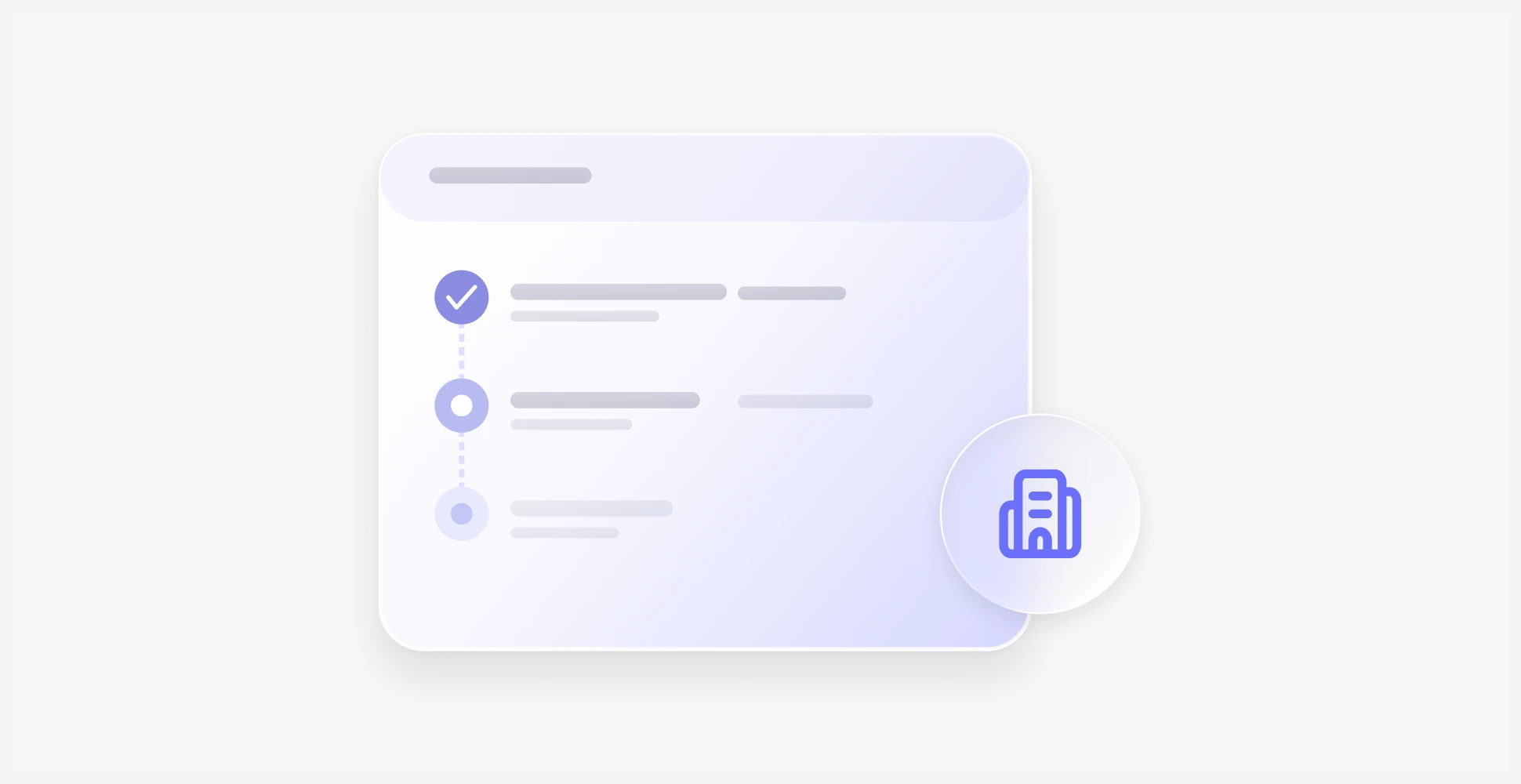
Multiple businesses
Create separate organizations for different businesses or companies and keep their documents and members independent.
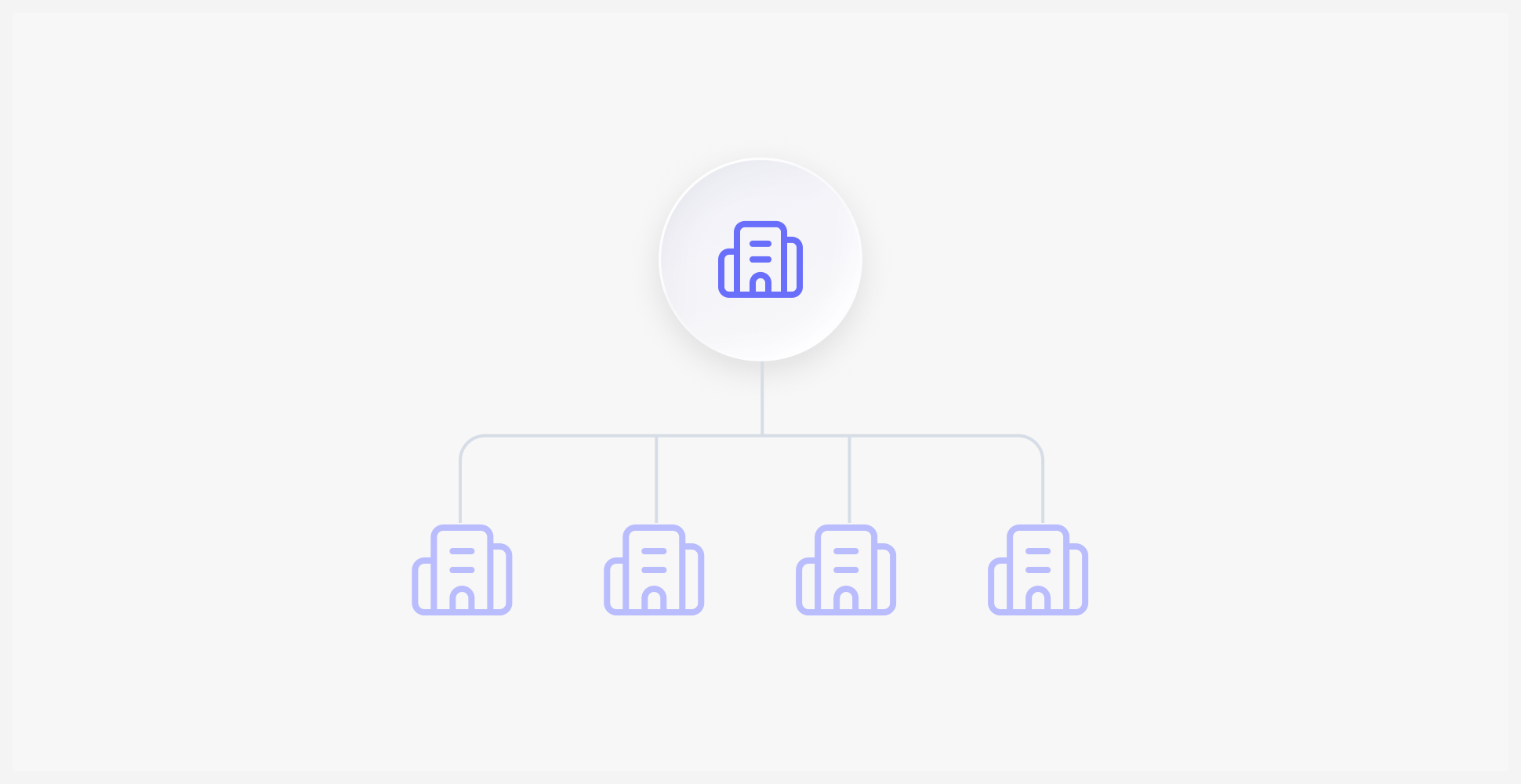
Client organizations
Work across organizations when managing documents or workflows for different clients or entities.
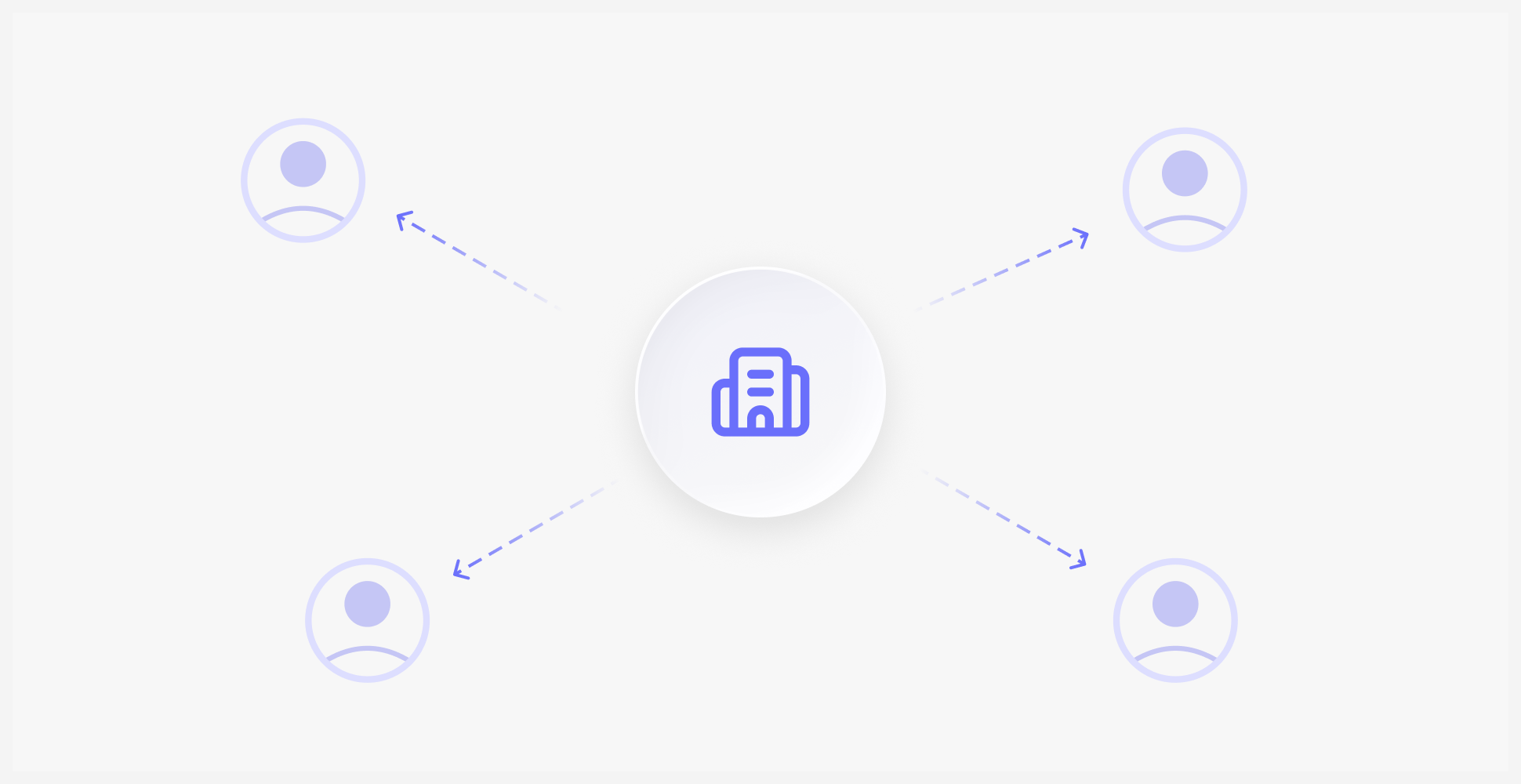
Different teams or entities
Maintain separate workspaces when different departments, business units, or entities require their own users and access controls.
Stay organized across every workspace
Each organization operates as its own environment, giving you control over who can access it and how it is managed.
Separate members
Manage users independently within each organization.
Separate permissions
Define roles and access based on the organization's requirements.
Separate documents
Keep documents within the organization they belong to.
Separate settings
Configure each organization according to how it operates.
Configure each organization according to how it operates.
With Esigns Doc, your organizations are available from one account, allowing you to move between workspaces whenever you need while keeping each environment separate.
Workspace
Manage organizational settings and access
Organizations
Keep separate organizations structured independently
Frequently Asked Questions
Let's Build Better Document Workflows Together
Have questions about digital signatures, pricing, integrations, or enterprise deployment? We'd love to hear from you.

One account. Every organization you manage.
Create, switch, and manage multiple organizations without losing control of the work inside each one.