
Manage who can access your organization and what they can do.
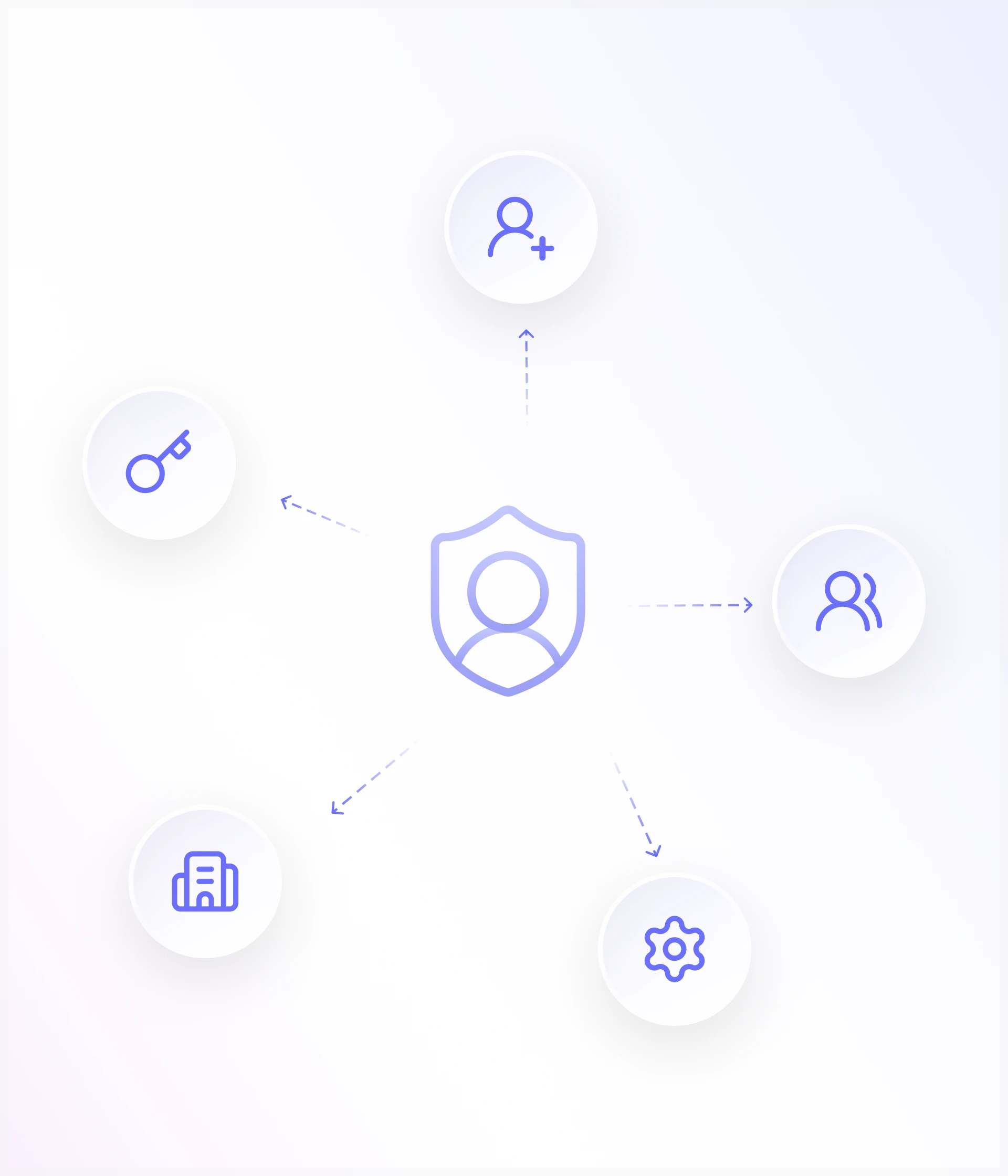
Invite team members, assign roles, and control permissions from one place. Esigns Doc gives administrators a clear way to manage access across users, teams, documents, and organizational functions.
Give every user the right level of access
Different people need different levels of access. User Management lets you define those responsibilities and apply them consistently across your organization.
Invite team members
Add people to your organization by sending invitations to the users who need access to Esigns Doc.
Assign roles
Give users a predefined role that reflects their responsibilities within the organization. Roles make it easier to manage access without configuring every user individually.
Configure permissions
Control what users can view, create, manage, or access based on the permissions assigned to their role.
Manage users centrally
View and manage your organization's users from one place. Update roles, adjust access, or remove users as responsibilities change.
Control access across the organization
Keep administrative and document access aligned with each user's responsibilities, whether you're managing a small team or a larger organization.
Build roles around how your organization works
Not everyone in an organization should have the same level of access. Create roles that reflect how your teams operate and define the permissions associated with each role.
Define responsibilities
Determine what each role should be able to do and manage within their assigned permissions.
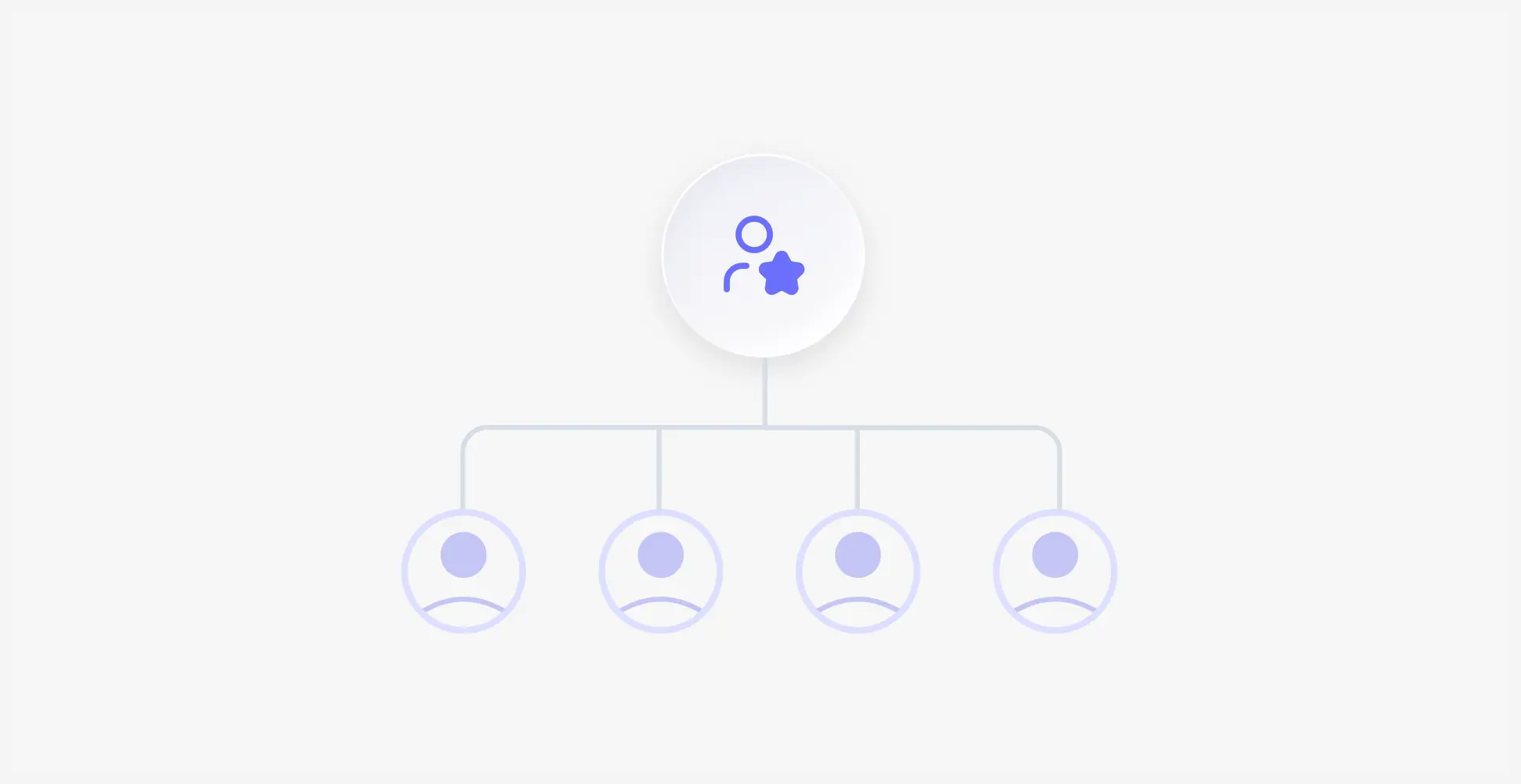
Reuse roles
Assign the same role to multiple users without configuring permissions individually.

Update permissions
Adjust role permissions as your organization's workflow and responsibilities change.
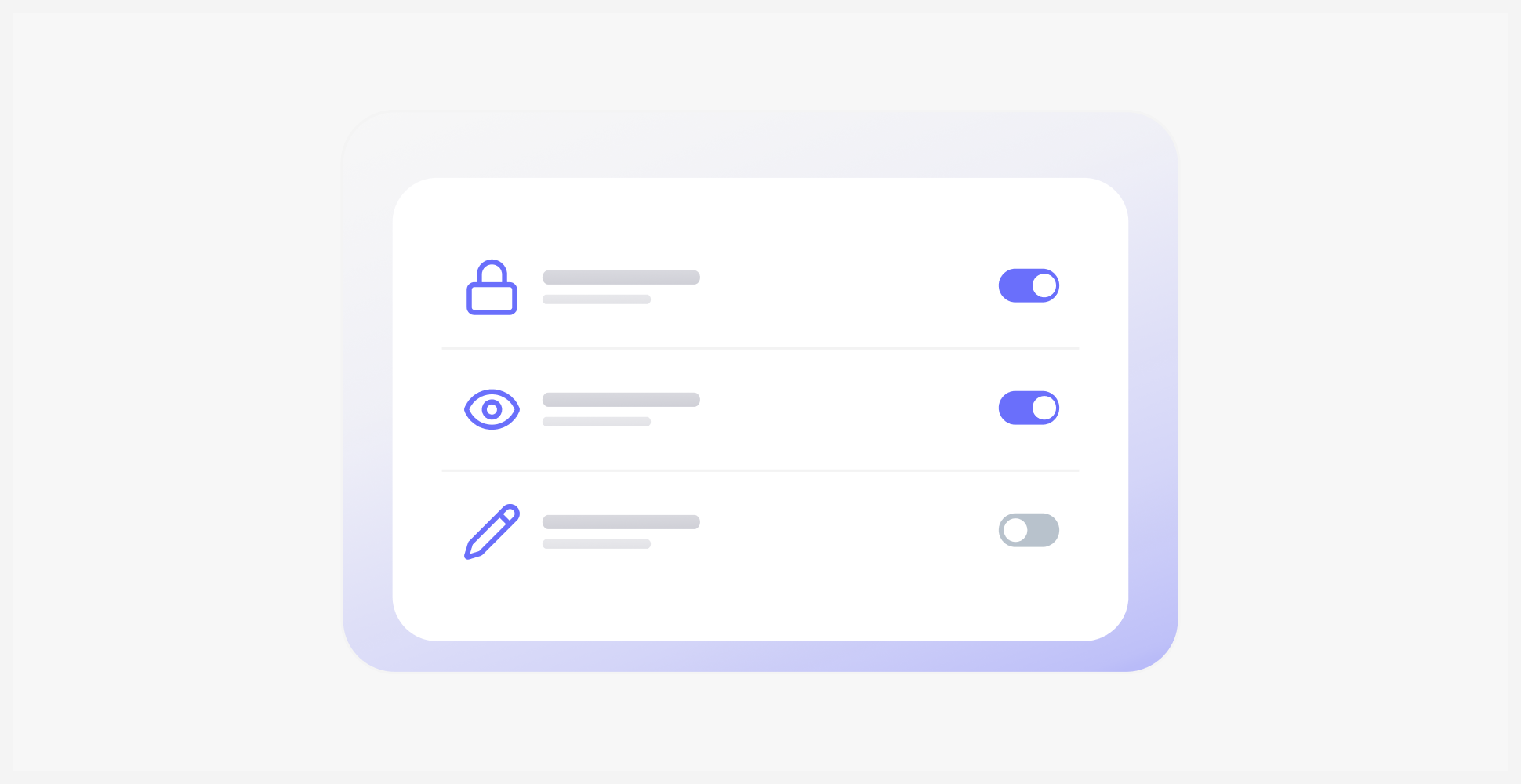
Keep access consistent
Apply the same permission structure across users with similar responsibilities and access requirements.

Give every user the right access
Define roles and permissions so each user has the access they need to manage their responsibilities.
Invite
Send an invitation to the person who needs access to your organization.
Assign
Choose a role that clearly reflects their responsibilities and permissions.
Control
The role determines the permissions and access available to the user.
Manage
Update roles, permissions, or user access whenever responsibilities change.
Designed for teams of every size
Whether you're managing a small team or a large organization with multiple departments, User Management gives administrators a structured way to control access.
Roles
Define what each user can access and manage
Control
Keep access structured based on user responsibilities
Frequently Asked Questions
Let's Build Better Document Workflows Together
Have questions about digital signatures, pricing, integrations, or enterprise deployment? We'd love to hear from you.

The right access for every user.
Invite your team, define their roles, and control what they can access based on their responsibilities and permissions.